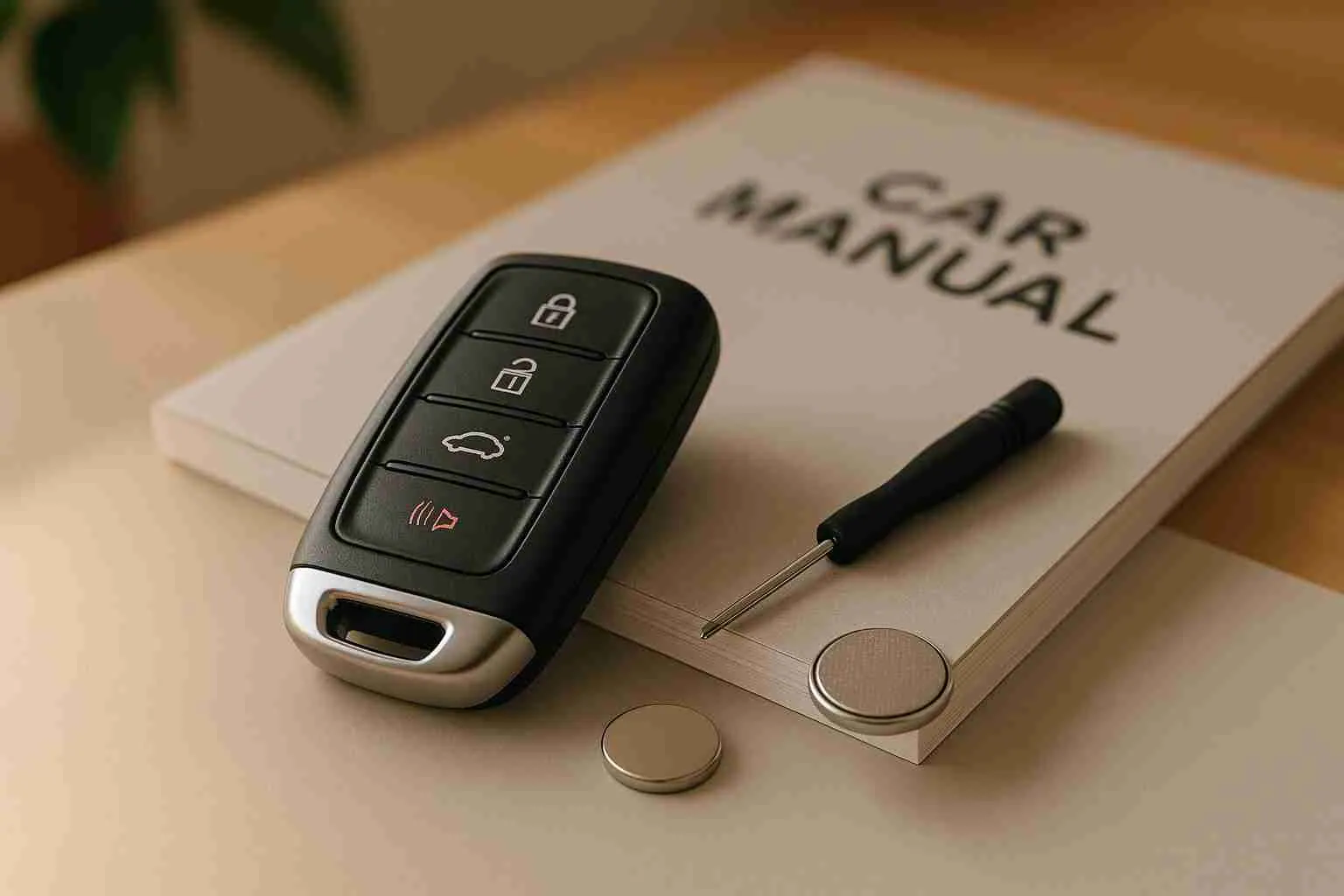
If your key fob isn’t working, don’t panic. Most issues are simple to fix at home. Here’s a quick rundown of common solutions:
- Replace the Battery: The most frequent cause is a dead battery. Swap it out for a new one, typically a CR2032 or similar.
- Inspect for Damage: Check for cracks, corrosion, or worn-out buttons. Clean with isopropyl alcohol if needed.
- Test a Backup Fob: If you have a spare, use it to determine if the issue is with the fob or your car.
- Check for Interference: Electronics or metal objects nearby could disrupt the signal. Try using the fob in a different area.
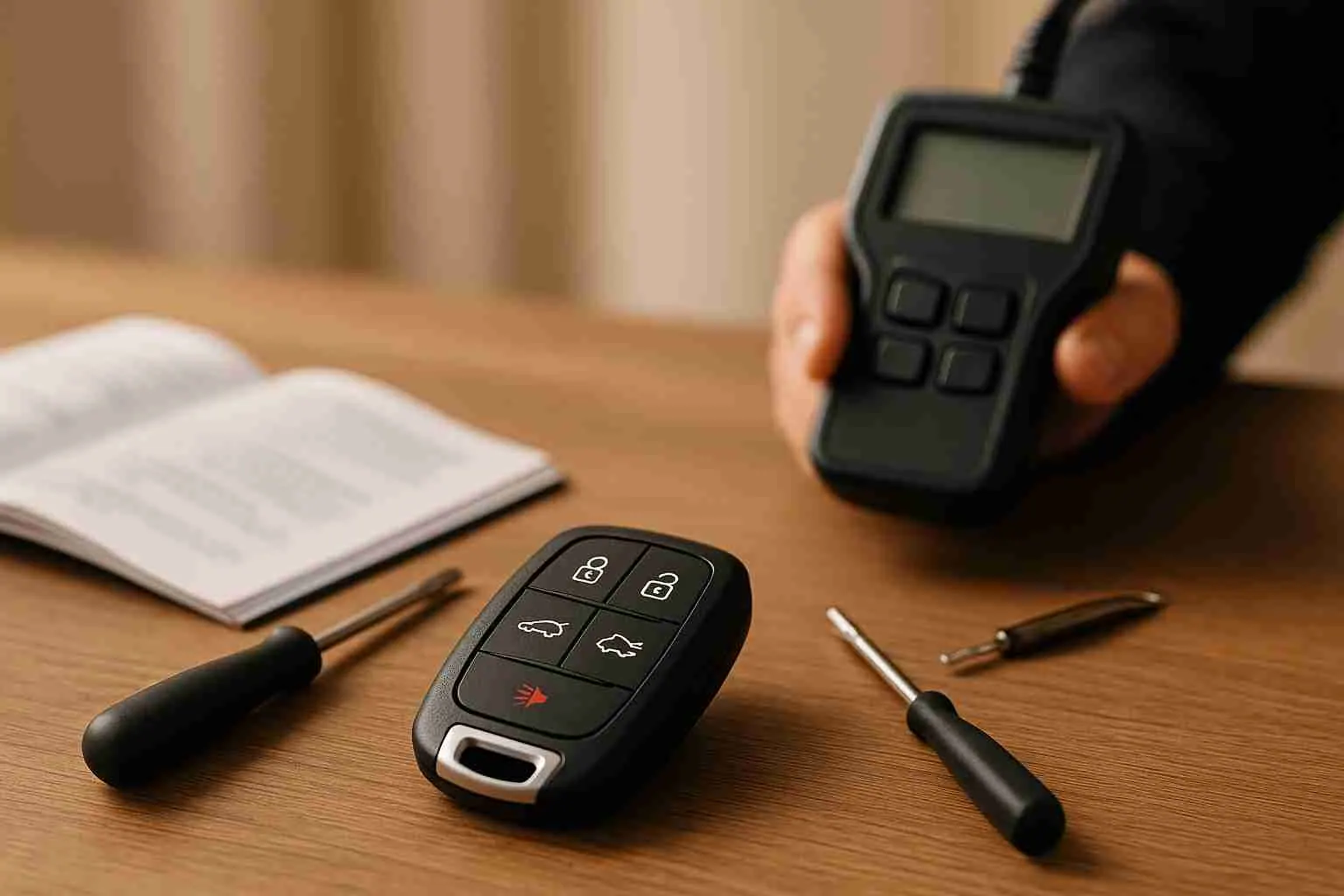
- Reprogram the Fob: Sometimes, the fob needs to be synced with your vehicle again. Follow your car’s manual or seek professional help.
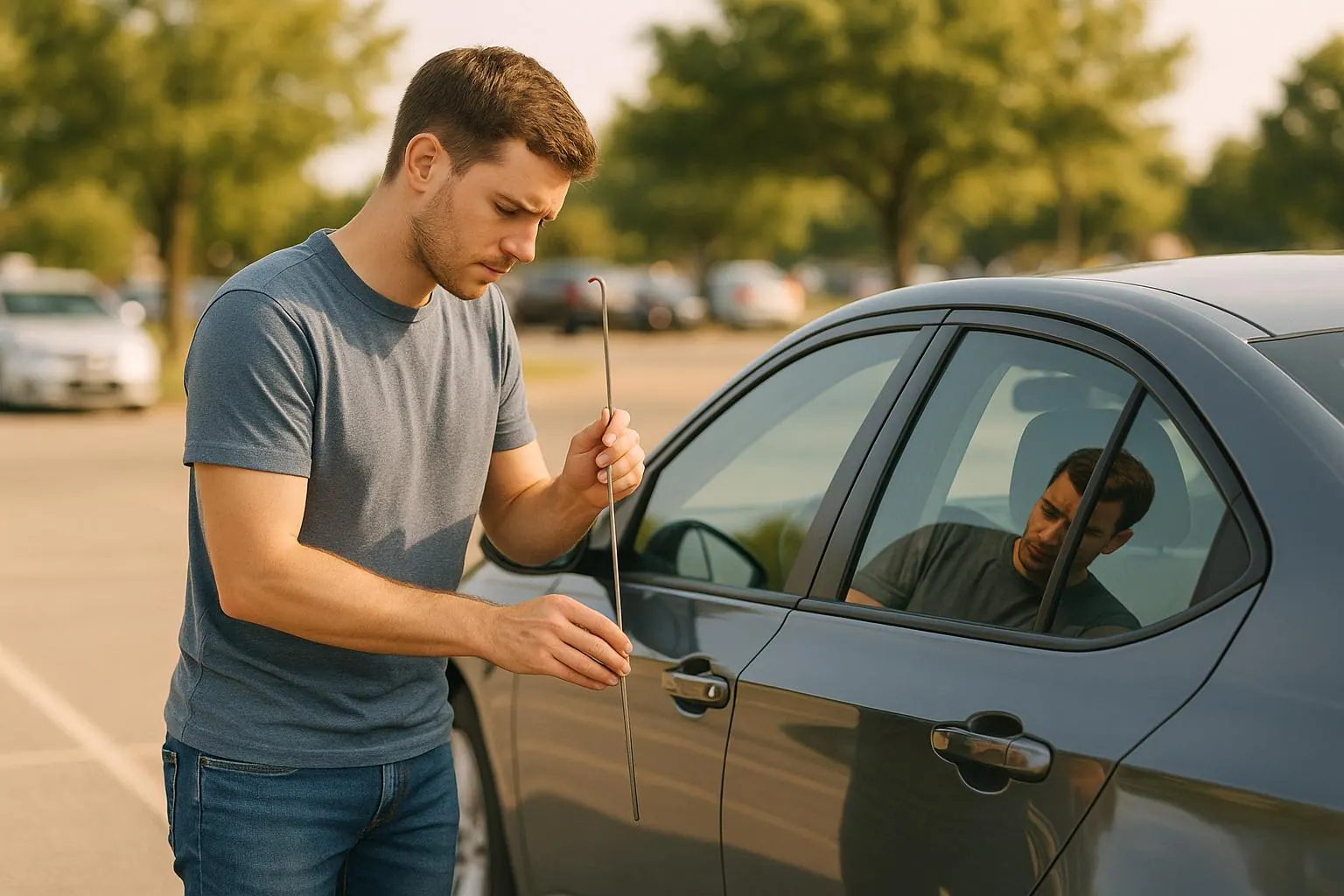
- Call a Locksmith: For complex problems like internal damage or programming errors, a professional locksmith can diagnose and fix the issue.
Start with these steps to troubleshoot. If the problem persists, professional assistance may be necessary. Simple fixes like a battery replacement often cost under $15, while professional services range from $50 to $250.
What to Do When Your Key Fob Isn’t Working
Replace the Key Fob Battery
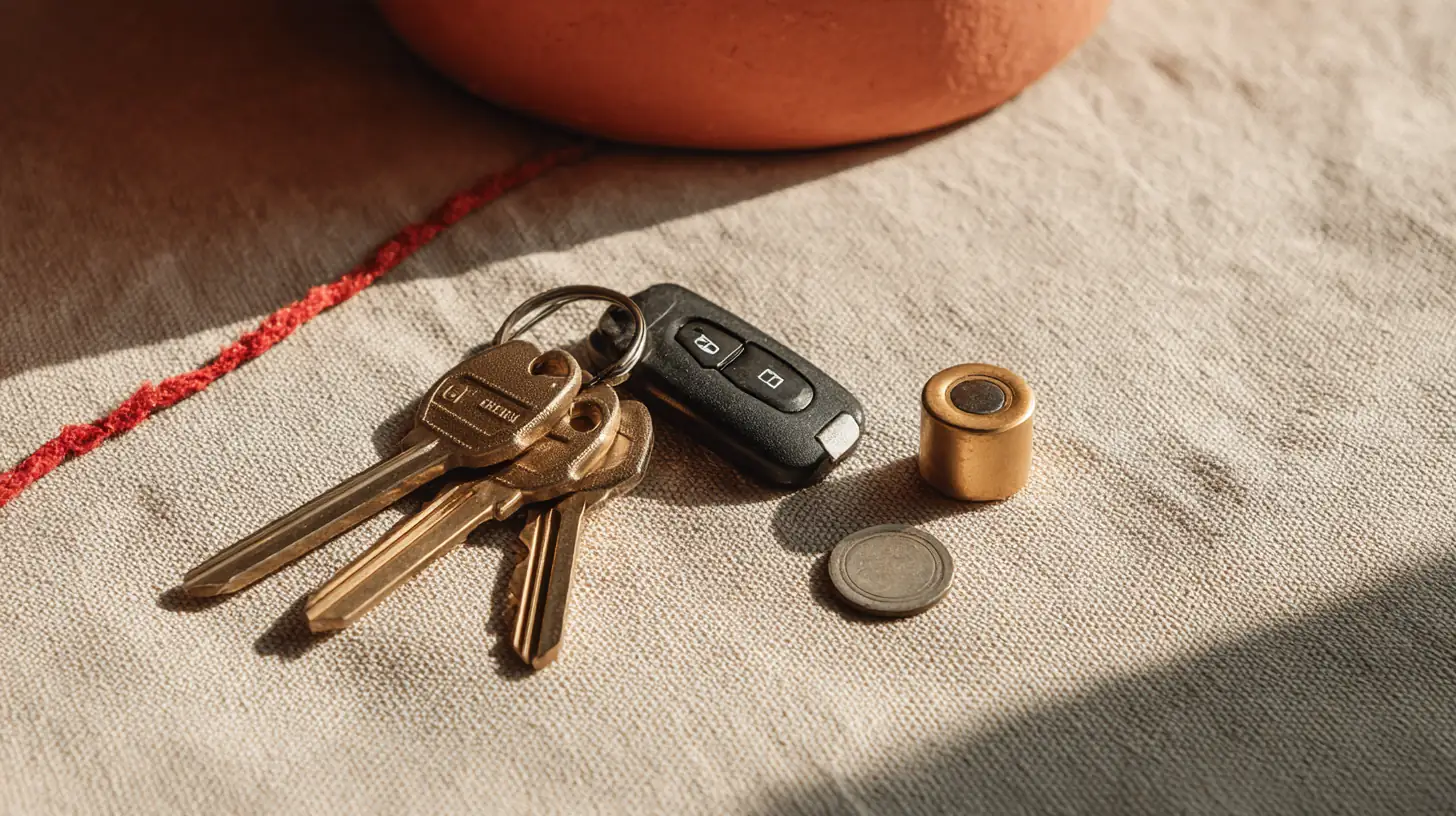
When your key fob stops working, the most likely culprit is a dead battery. Key fobs typically rely on lithium coin cell batteries to send a steady 3-volt signal. If your fob starts acting up, it’s probably time to replace the battery.
Common signs of a dying battery include a reduced range, where you need to be just a few feet from your car instead of the usual distance. You might also notice delayed responses, needing to press buttons multiple times, or a dim or non-functioning LED indicator.
The good news? Replacing the battery is quick, easy, and costs less than $15.
Find the Right Battery Type
Before replacing the battery, make sure you know the exact type your key fob requires. Most key fobs use common lithium coin cell batteries, with CR2032 and CR2025 being among the most frequently used options. You can find this information in your vehicle’s owner’s manual or by opening the key fob and checking the existing battery, as the type is usually printed on it.
If you’re unsure, tools like the Key Fob Battery Finder from Microbattery.com, can help, though your owner’s manual remains the authority for your exact vehicle.
| Battery Type | Typical Price Range | Where to Buy |
|---|---|---|
| CR2032 | $6.77 to $9.99 | AutoZone, Amazon, Batteries Plus |
| CR2025 | $9.99 to $12.99 | O'Reilly Auto Parts, Batteries Plus |
| CR2016 | $8.00 to $11.00 | Most auto parts stores |
Replace the Battery
Once you have the right battery, replacing it is straightforward. Most key fobs are designed to open easily without requiring special tools. Look for a small seam or groove along the fob’s edge. You can gently pry it open using a small flathead screwdriver, a coin, or even your fingernail. Some models may have a tiny screw that needs to be removed first, while others simply snap apart.
Inside, you’ll see the battery in its compartment. Take note of its orientation, typically, the positive (+) side faces up, so you can install the new battery correctly. Carefully remove the old battery, insert the new one, and ensure it sits securely in place. Before snapping the fob back together, check that any circuit boards or gaskets are properly positioned to protect the electronics.
Test the Fob After Replacement
After reassembling the fob, test it by standing about 10 feet from your car and trying to lock or unlock the doors. The response should be immediate. Test all functions, including the trunk release, panic button, and remote start. Walk to different distances to confirm the signal range is back to normal.
If the fob still doesn’t work after replacing the battery, the issue might be due to physical damage or internal problems, and further troubleshooting will be necessary.
Check for Physical or Internal Damage
If replacing the battery didn’t fix your key fob issues, physical damage might be the culprit. Over time, regular use and exposure to the elements can take a toll on key fobs. Even slight damage can interfere with the sensitive electronics inside, preventing the fob from communicating with your car. Start by examining the outside of the fob before moving on to its internal components.
Look for External Damage
Inspect your key fob carefully under good lighting. Check for visible cracks, broken buttons, or exposed circuitry. Take a close look at the battery compartment, signs like water spots or corrosion could point to potential problems. Press each button to see if any feel stiff or unresponsive. If you hear a rattling sound when you shake the fob, it could mean that internal parts have come loose.
To clean the fob, use a microfiber cloth lightly dampened with isopropyl alcohol to wipe down the surface and buttons. Allow it to dry completely. This can help remove dirt or debris that might be causing functionality issues. If cleaning doesn’t resolve the problem, it’s time to check the internal components.
Check Internal Components
When the outside looks fine but the fob still isn’t working, you’ll need to open it up. Carefully pry open the case along its seam. Once inside, check for corrosion, look for white, green, or blue powdery residue around the battery contacts, which could indicate a leak. Examine the circuit board for cracks, loose components, or damage. Ensure that all connections, such as battery contacts and ribbon cables, are firmly in place.
If you spot a cracked circuit board or significant corrosion, it’s best to seek professional repair rather than attempting a risky DIY fix. To help avoid future damage, consider using a protective case or cover for your key fob. It’s a simple way to shield it from wear and tear.
Test a Second Key Fob
If you have a spare key fob, trying it out is one of the fastest ways to figure out whether the problem lies with your original fob or your vehicle's system. Most cars sold in the U.S. usually come with two key fobs, so if you have a backup, now’s the time to use it.
First, make sure the backup fob's battery is working. Once you've confirmed the battery is good, test all its functions, like locking, unlocking, and opening the trunk, at different distances.
The results of this test can help narrow down the issue. If the backup fob works without any hiccups but the original one doesn’t, the problem is likely with the original fob. This could be due to something like a drained battery, water damage, or internal component failure. However, if neither fob works, the issue is probably with your vehicle's receiver or electrical system. Common culprits in these cases include signal interference from nearby electronics or a malfunction in the car’s system that might require professional attention.
Here’s a quick breakdown of what your test results might mean:
| Test Result | What It Means | Next Steps |
|---|---|---|
| Backup fob works | Problem with the original fob | Replace the battery, check for damage, or repair the original fob |
| Both fobs fail | Problem with the vehicle system | Check for interference, reset the car's computer, or consult a professional |
| Backup fob works intermittently | Possible interference or weak signal | Try testing in different locations and look for nearby electronic devices |
When testing your backup fob, keep it away from your original fob and other electronic devices. This will help avoid any signal interference that could skew your results.
If you don’t have a backup fob, focus on other troubleshooting steps like replacing the battery or checking for interference before reaching out for professional help. These steps can save you time and money while zeroing in on the problem.
Check for Signal Interference
If replacing the battery and inspecting the key fob don't fix the problem, the issue might be radio frequency interference. Key fobs communicate with vehicles using radio waves, and these signals can be disrupted by other electronic devices. In North America, most key fobs operate at a frequency of 315 MHz.
Interference is more common than you might think, and it can block your car from receiving signals from the key fob.
For example, in June 2019, CBC News reported that key fobs failed to work in parts of downtown St. John’s, with technicians suspecting interference from sources such as new wireless power meters, Wi‑Fi hotspots and security cameras.
Find Potential Interference Sources
Some common culprits behind signal interference include mobile phones, Wi‑Fi routers, and Bluetooth devices, which emit signals that can clash with your key fob's frequency. Additional sources include nearby vehicles, microwaves, and building access systems like those used in office buildings or parking garages. Even metal objects and areas crowded with electronics can disrupt the signal.
To reduce interference, avoid placing multiple key fobs together and keep your fob away from electronic devices. If you suspect interference, try testing your key fob in a location free from these potential sources.
Test Key Fob in a Different Location
A simple way to confirm interference is to test your key fob in a different area. If it works properly in an open space, interference is likely the issue.
If you notice problems in specific spots, like your workplace parking garage or near your home, make a note of these areas and adjust where you use your fob. At home or work, designate a storage spot for your key fob that’s away from Wi‑Fi routers, computers, and other electronics. This small change can help ensure your key fob functions as it should.
Reprogram the Key Fob
If replacing the battery, checking for damage, and testing for interference don’t solve the problem, it might be time to reprogram your key fob. Signs that your key fob might need reprogramming include inconsistent button responses, reduced range, buttons that don’t work even with a fresh battery, failure to unlock the car, random alarm activations, or even warning lights on the dashboard.
This step is especially important for newly made or duplicated key fobs, as they often need to be synced with your vehicle before they’ll work properly.
Follow the Vehicle Manual
Your vehicle’s owner’s manual is your best guide for reprogramming your key fob. The process can vary significantly between manufacturers and even across different model years. Before diving in, make sure the key fob’s battery is fully charged.
Many newer vehicles allow for onboard programming, which involves performing a specific sequence of actions, like turning the ignition or pressing certain buttons on the key fob. Some models even have a dedicated programming mode accessible through the dashboard controls or infotainment system.
Here are a few examples of how reprogramming works for specific brands:
- Ford: On many models (Ford’s Type B procedure), insert the key into the ignition, then turn it from "off" to "run" eight times within 10 seconds, leaving it in the "run" position on the eighth turn. When the door locks cycle, your car is in programming mode. Press any button on your key fob to complete the process.
- Toyota: The sequence differs by model and year, and some models need dealer equipment. Follow your owner’s manual.
- Honda: The sequence differs by model and year. Follow your owner’s manual.
- Chevrolet: GM procedures differ by year; some use the driver information center. Follow your owner’s manual.
Keep in mind that many vehicles will erase previously programmed fobs during the process, so gather all the key fobs you plan to use before starting.
Get Professional Reprogramming
If onboard programming isn’t an option or doesn’t work, it’s time to call in the professionals. Some vehicles require specialized equipment that only locksmiths or dealerships have access to. This is especially true for advanced key fobs with features like remote start or proximity sensors.
Reprogramming isn’t just about syncing the fob, it involves complex communication with the vehicle’s computer system. Mistakes during the process can sometimes create additional issues, which is why professional help can save you a lot of frustration.
Roadrunner Lock and Key, for instance, reprograms key fobs for many vehicles and tells you on the phone whether it can do yours. Professional reprogramming not only ensures the job is done right the first time but also spares you from repeated failed attempts, especially crucial for high-tech or expensive key fobs.
Get Professional Help
If your key fob still isn’t working after trying the basic troubleshooting steps, it’s time to consider professional assistance. Knowing when to involve an expert can save you from unnecessary stress, wasted time, and potential extra costs. This is especially true if you’ve already replaced the battery, checked for physical damage, ruled out interference, and attempted to reprogram the fob.
When to Call a Locksmith
There are clear signs that indicate it’s time to call a locksmith. If your key fob remains non-functional despite your best efforts, the issue might be with its internal electronics or programming, problems that require specialized tools and expertise to fix.
Visible damage, like a cracked casing, water exposure, or corroded components, is another red flag. DIY repairs in these cases often worsen the problem, so it’s best to leave it to a professional.
Lost or stolen key fobs also demand immediate action. Not only will you need a locksmith to create and program a replacement, but you might also need your car’s security system reprogrammed to prevent unauthorized access.
Lastly, if your vehicle isn’t recognizing any key fob, backup ones included, it could point to a more significant issue with the car’s receiver or computer system. Diagnosing and fixing this often requires advanced equipment that most car owners don’t have access to.
Benefits of Professional Services
Opting for professional help comes with several advantages:
- Quick Resolution: Skilled locksmiths can often resolve key fob issues in under an hour, saving you the extended delays of trial-and-error fixes.
- Specialized Tools: Professionals use advanced diagnostic equipment that can identify problems accurately, even with newer vehicles featuring more complex security systems.
- Comprehensive Solutions: Lost all your key fobs? Locksmiths can clone or reprogram new ones, something DIY methods typically can’t handle.
- Mobile Services: Many locksmiths, like Roadrunner Lock and Key, offer on-site service, meeting you wherever you are, at home, at work, or even stranded on the road.
- Warranties: Professional services often include warranties, giving you peace of mind that DIY fixes can’t provide.
From a financial perspective, professional services typically range from $50 to $250 for programming or replacing a key fob, depending on your vehicle and the complexity of the fob. While this is more than the $5 to $10 cost of a battery replacement, it’s often a smarter choice than risking further damage through DIY attempts.
Comparison: DIY vs. Professional Services
| Aspect | DIY | Professional Services |
|---|---|---|
| Cost | Low ($5 to $10 for a battery) | Moderate to High ($50 to $250+) |
| Time | Immediate (if successful) | Fast (often same-day; mobile options) |
| Tools/Expertise | Basic tools, limited knowledge | Advanced tools, expert skills |
| Success Rate | High for simple issues | High for complex or major problems |
| Risk | Possible damage | Lower risk, includes service warranties |
| Convenience | At home DIY | On-site/mobile services available |
This comparison highlights that while DIY methods are great for simple fixes like replacing a dead battery, professional services are the go-to option for addressing more complicated issues, physical damage, or security concerns. Mobile locksmiths may charge an additional service fee of $25 to $75, but the convenience and expertise they provide are often well worth it.
Roadrunner Lock and Key is one option, offering 24/7 mobile service and a price on the phone before anyone drives out.
Conclusion
A malfunctioning key fob doesn’t have to ruin your day. The six common fixes we’ve outlined, replacing the battery, checking for physical damage, testing a backup fob, addressing signal interference, reprogramming, and consulting a professional, can resolve most issues you’ll face.
Start with the basics. Often, a quick battery replacement is all it takes to get things working again. If that doesn’t do the trick, take a closer look for visible damage, test your spare key fob, or rule out signal interference caused by nearby electronics or metal objects.
For more complicated problems, it’s best to leave it to the experts. Advanced repairs often require specialized tools and knowledge, and DIY attempts could worsen the situation or even jeopardize your vehicle’s security. If the simpler fixes don’t work, professionals like Roadrunner Lock and Key can troubleshoot, reprogram or replace the fob, 24/7.
While a faulty key fob can be a hassle, tackling the issue systematically helps you avoid unnecessary stress. Simple DIY solutions can often save the day, but for trickier situations, professional locksmith services offer reliable answers and peace of mind. By following these steps, you can keep your vehicle secure and your routine uninterrupted.
FAQs
No question matches that. Call or text (505) 347-2895 and ask it.

Roadrunner Lock and KeyAnswers from the shop
Open 24/7
Pick a question, or search above. You get the straight answer, the way we would give it on the phone.
Why isn't my key fob working even after I replaced the battery and checked for damage?
If your key fob still doesn’t work after replacing the battery and confirming there’s no visible damage, it might need to be reprogrammed. Sometimes, the fob can lose its connection to the vehicle over time or due to specific issues. Reprogramming it is usually a quick and straightforward solution.
You should also consider whether signal interference could be the culprit. Nearby electronic devices like smartphones, Wi-Fi routers, or other gadgets emitting radio signals can sometimes disrupt the fob’s communication with your car. If none of these steps resolve the issue, there might be a problem with the fob’s internal components. In that case, it’s a good idea to have it checked or repaired by a professional to ensure it’s working as it should.
Roadrunner Lock and Key
How can I tell if interference is affecting my key fob, and what can I do about it?
If your key fob only works in certain areas or stops functioning near devices like Wi-Fi routers, cordless phones, or microwaves, the culprit might be radio frequency interference (RFI). These electronics can interfere with the signal between your key fob and your vehicle.
Here’s how you can address the issue:
- Try moving away from nearby electronics that could be disrupting the signal.
- Park your car in a different spot to see if the signal improves.
- Turn off surrounding devices that might be emitting conflicting signals.
Also, double-check that your key fob is being used within its recommended range and that there’s nothing blocking the signal between the fob and the car. Often, these simple tweaks can restore your key fob’s functionality in no time.
Roadrunner Lock and Key
When should I contact a locksmith for help with my key fob, and what services can they provide?
If your key fob still isn’t working after trying simple fixes like replacing the battery, reprogramming it, or addressing potential interference, it might be time to call in a professional locksmith. Locksmiths are experts at handling key fob issues and can often provide solutions faster and more affordably than a dealership.
Here’s how a locksmith can help:
- Reprogram or program a new key fob to ensure it syncs with your vehicle.
- Repair or replace a damaged key fob, restoring its functionality.
- Cut a new physical key, if your fob includes one or if it's necessary.
With the right tools and knowledge, locksmiths can tackle most key fob problems, helping you get back behind the wheel without unnecessary delays.
Roadrunner Lock and Key
3 questions