Emergency Services15 min read
Business Security Upgrade Checklist for 2025

By Roadrunner Lock and Key ·
Cyber threats and physical security risks are evolving faster than ever in 2025. Businesses must act now to protect themselves.
Here’s why:
- Cybercrime is accelerating. IBM's 2026 report puts the global average cost of a data breach at a record $4.99 million.
- Physical security is lagging. Break-ins remain a real threat, so locks and entry points still need attention.
- The stakes are high. A single breach or break-in can disrupt operations and be costly to recover from.
To stay ahead, prioritize these upgrades:
- Smart Locks & Cameras: Replace outdated locks with smart options. Opt for high-resolution, cloud-connected cameras.
- Access Control: Use role-based permissions, biometrics, or mobile credentials for secure entry.
- Cybersecurity Basics: Implement multi-factor authentication, encrypt data, and train employees to spot threats.
- Regular Maintenance: Schedule system checks and update policies annually to address emerging risks.
Waiting increases the risks. Start upgrading today to protect your business, employees, and data.
The Best Security Cameras for Your Business in 2025
Physical Security Improvements
While digital security measures are essential, physical security remains your first line of defense. Physical break-ins continue to be a real threat, so upgrading entry points, surveillance systems, and access protocols can significantly bolster your overall protection.
Upgrade Entry Points with Smart Locks and Stronger Barriers
Traditional locks and keys are becoming less reliable against modern break-in techniques.
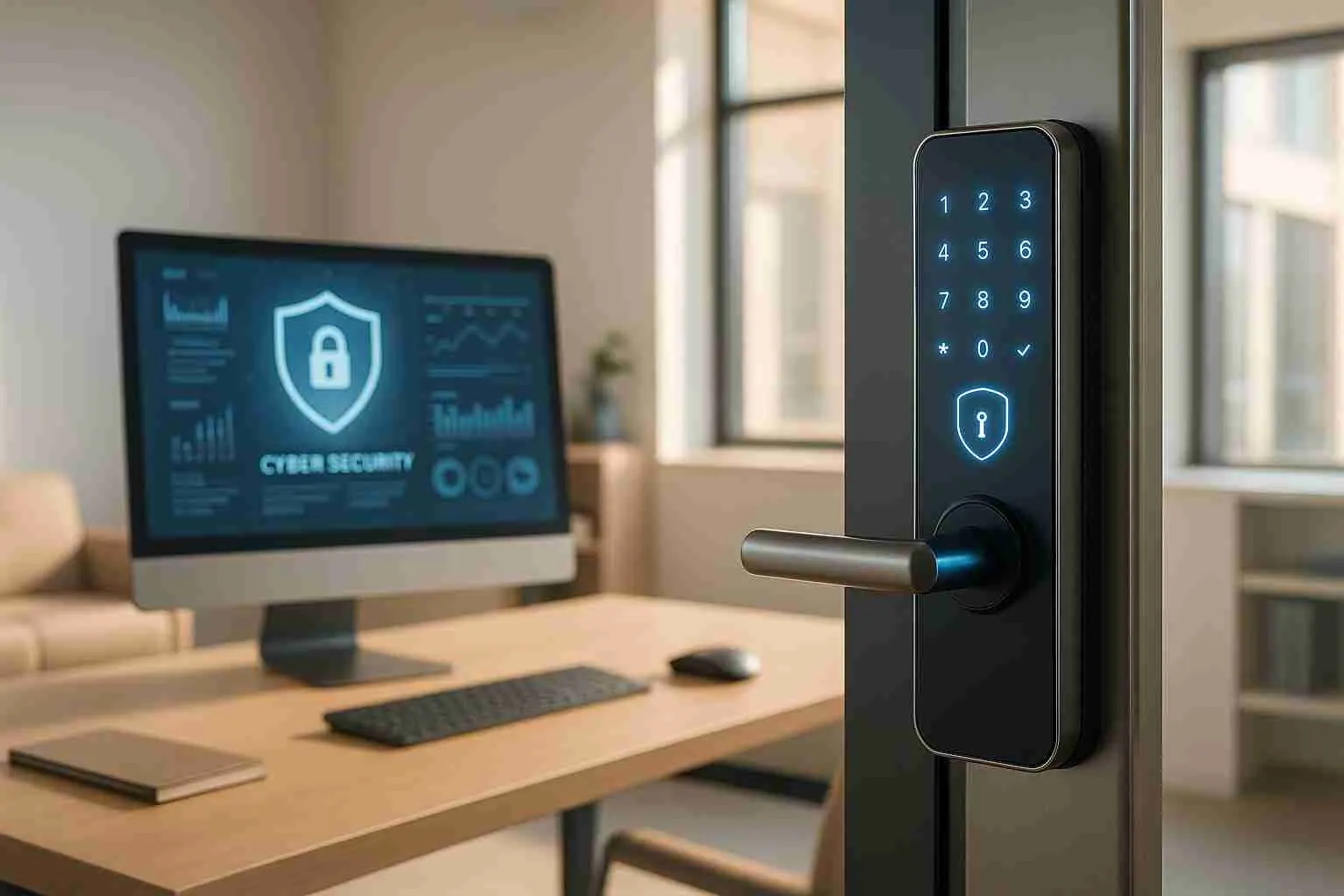
When selecting a smart lock, look for models that offer multiple access methods, such as fingerprint scanners, keypads, mobile apps, or NFC, and support remote monitoring through Wi-Fi or Bluetooth. Compatibility with platforms like Alexa, Google Assistant, and HomeKit can add convenience. Features like activity logs and real-time notifications provide a valuable audit trail for investigations. As Paolo Fu, Consumer Reports' test engineer for door locks, explained:
"Smart locks can add an invaluable level of peace of mind. Depending on the model, you can view the status of your lock from anywhere and track who opens your door and when".
Ensure the locks you choose meet ANSI/BHMA Grade 1 or 2 standards to balance durability and affordability.
Install High-Resolution Security Cameras
Security cameras are another critical layer of protection. Opt for cameras with at least 1080p resolution, 4K if your budget allows, along with night vision, wide-angle or PTZ functionality, and PoE (Power over Ethernet) for easier installation. Whether you prefer continuous recording or motion-activated setups, Network Video Recorder (NVR) systems generally offer better quality than their DVR counterparts.
The case for security cameras is strong.
Features like two-way audio and facial recognition can further enhance your system, but keep in mind these additions may increase costs.
Rekey Locks After Staff Changes
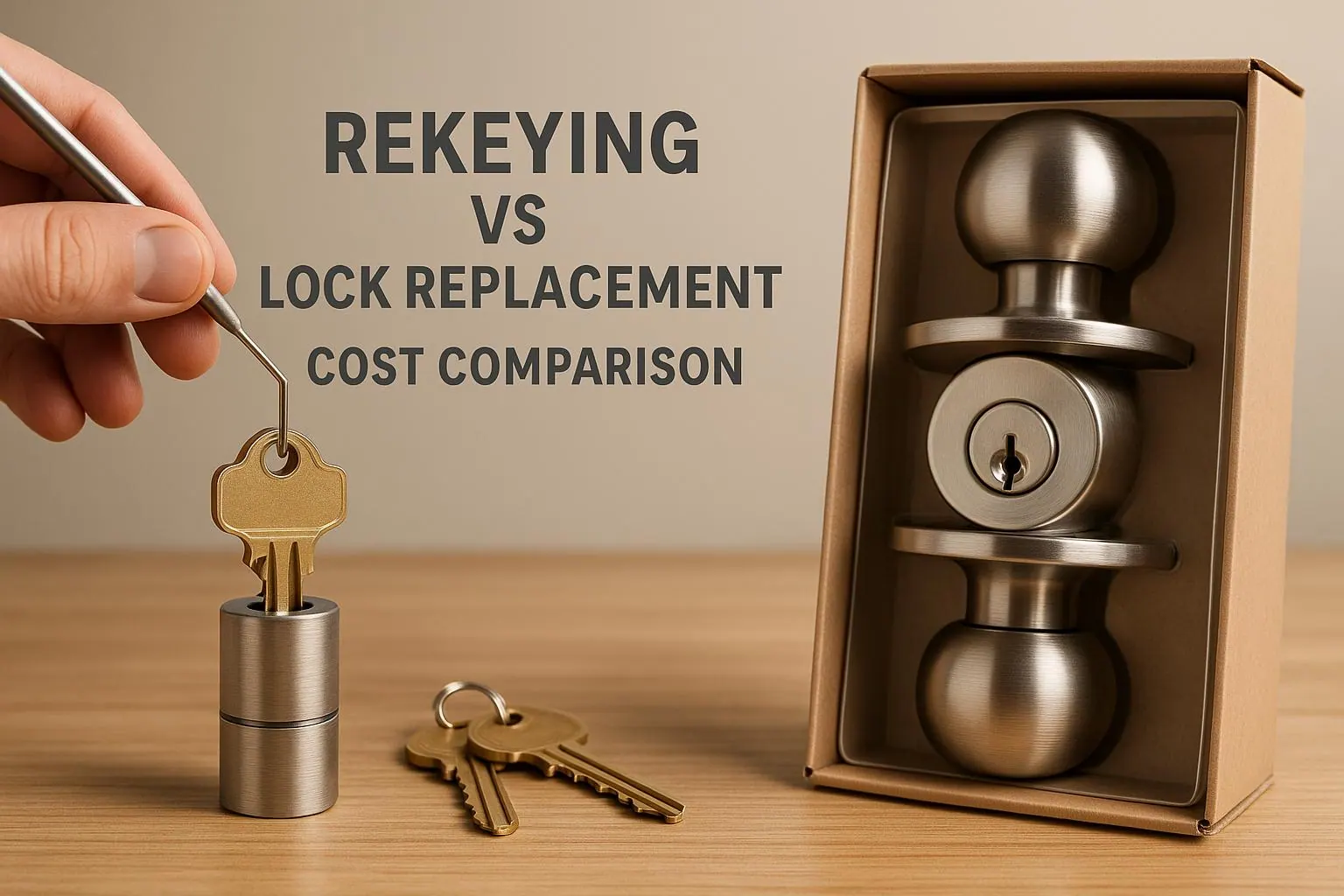
Rekeying locks after staff changes is a simple yet effective way to maintain security. This process, akin to resetting a password, ensures former employees or other unauthorized individuals cannot access your premises. Neglecting to rekey can expose your business to risks like internal theft, lost keys, and even higher insurance liabilities.
Rekeying is also cost-effective, usually ranging between $50 and $100. Establishing a policy to rekey locks immediately after staffing changes is particularly important for high-security areas, such as cash-handling zones, inventory storage, or locations housing sensitive data.
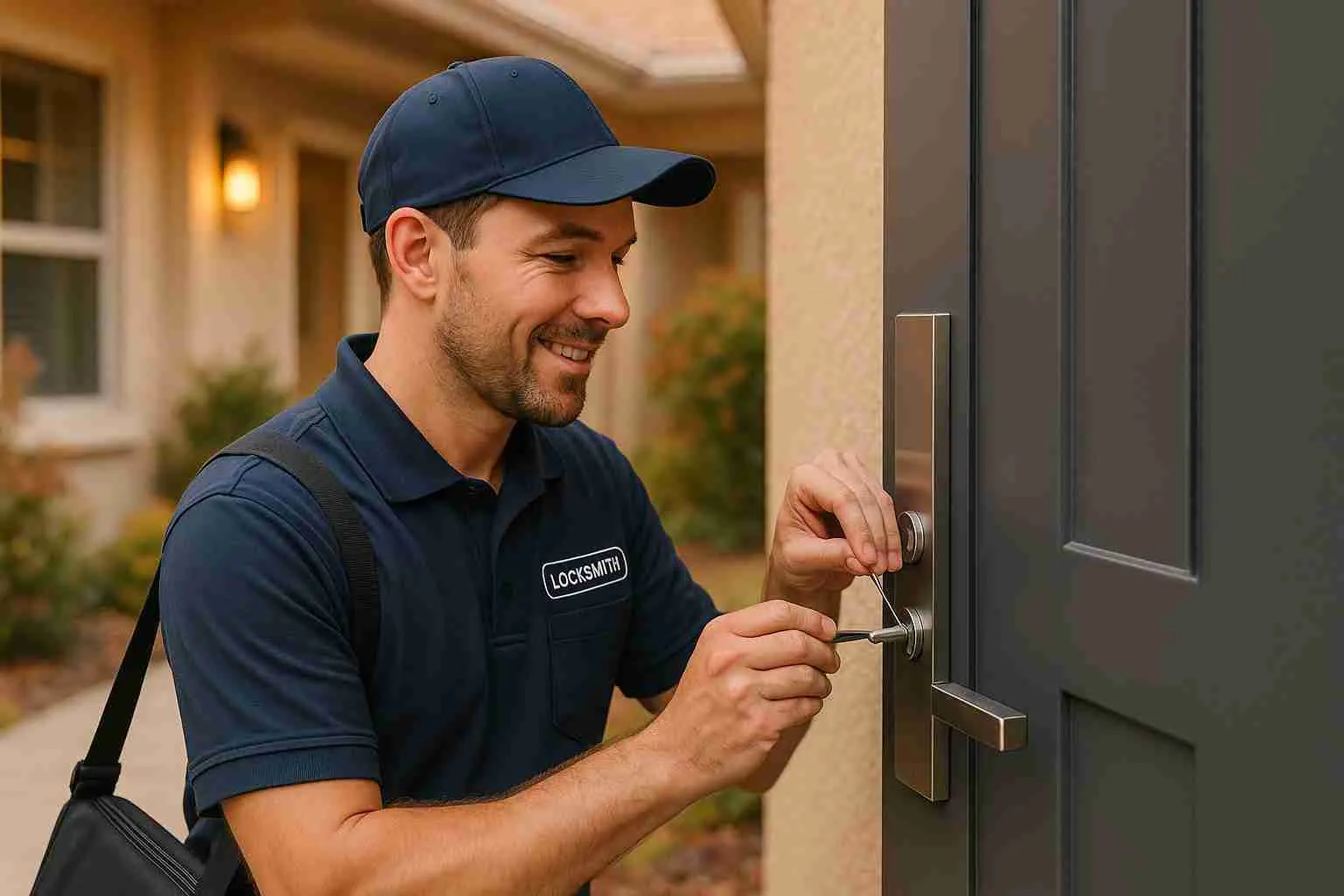
Professional locksmiths, like Roadrunner Lock and Key, handle commercial rekeying, including master key systems that allow tailored access levels. Keeping detailed access logs during rekeying is crucial for security audits, and incorporating regular rekeying into your security reviews ensures that only authorized personnel have access to your facility.
Smart Locks and Access Control Systems
Modern access control systems offer real-time monitoring, detailed access logs, and flexible permission settings. Cloud-based systems also bring the remote management capabilities needed for today’s hybrid work environments. Let’s explore how these advanced systems can elevate your security measures.
Access control systems not only eliminate the costs and risks tied to lost keys but also provide complete visibility into who accesses your facilities. In emergencies, they can automatically lock or unlock doors, seamlessly aligning with your safety protocols.
Set Up Role-Based Access Permissions
Smart locks paired with role-based permissions allow you to customize access levels across your organization. Role-Based Access Control (RBAC) moves away from the outdated one-key-fits-all model, offering a tailored system where access permissions align with specific job responsibilities. This ensures employees only have the access they need, keeping sensitive areas secure.
Start by evaluating your organization’s needs, consider job roles, compliance requirements, and audit necessities. Clearly define access levels for employees, contractors, and third-party vendors. For instance, a finance department may require access to cash-handling areas, while IT staff may need entry to server rooms.
Roll out the system in stages, beginning with high-security areas like data storage or financial zones, and expand gradually. Regularly reviewing access permissions ensures they remain current as roles and responsibilities change, while also helping to catch any unauthorized access attempts.
Use Biometric or Mobile Credential Systems
Biometric and mobile credentials take security to the next level, offering advantages over traditional key cards.
Biometric systems, which rely on unique physical traits like fingerprints or facial recognition, are highly secure since they can’t be lost, stolen, or duplicated. These systems can cost between $200 and $3,000 per door, depending on the technology.
Mobile credential systems, on the other hand, leverage smartphones for access. They add $200 to $500 per door but offer convenience since most employees already carry their phones. While mobile systems are generally more secure than traditional key cards, they can be vulnerable to hacking.
A hybrid setup often works best. Use biometric systems for high-security areas like server rooms or executive offices, and mobile credentials for general access. This approach strikes a balance between security, cost, and convenience.
Connect Access Control with Alarm Systems
Combining access control with alarm systems creates a unified security ecosystem. This integration enables instant breach alerts and faster responses, making it a key element of comprehensive security management.
When these systems work together, unauthorized entry attempts trigger immediate notifications to security teams. The system can automatically lock down areas, activate surveillance cameras, or alert emergency services, depending on the situation. By automating these processes, security teams can focus on critical tasks and respond more efficiently.
Integration also simplifies daily operations. Authorized employees can disarm alarms using their credentials, reducing the need for separate codes and minimizing false alarms. After-hours access can activate additional lighting or surveillance, with all entries logged for audits.
Professional installation is key to ensuring these systems work seamlessly. Roadrunner Lock and Key installs access control for Albuquerque businesses. Look for providers offering multi-technology readers to reduce installation complexity and future-proof your system as your security requirements evolve.
Surveillance and Monitoring Technology
Surveillance technology has come a long way from basic recording devices. Today’s systems, equipped with cloud connectivity and AI-driven analytics, transform video footage into actionable insights while enhancing security.
Modern systems offer features like real-time threat detection, automated alerts, and seamless integration with existing security setups. With edge computing, video data is processed directly at the source, reducing delays and enabling instant responses. Add 5G into the mix, and you get faster data transfer, sharper video quality, and improved network capacity. These advances are reshaping security systems, combining AI-powered analytics with strong data protection measures.
Install Cloud-Connected Camera Systems
Cloud-connected surveillance systems provide the flexibility and scalability businesses need today. Unlike older analog setups, these systems offer remote access, automatic updates, and centralized management. Plus, IP cameras deliver sharper video quality than their analog counterparts.
When choosing a system, look for multi-functional features that are easy to use and adaptable to your needs. This not only simplifies operations but also improves overall system efficiency.
AI-powered analytics are a game-changer in surveillance. These systems excel at spotting patterns and identifying unusual activities, making them invaluable for security. However, they’re meant to assist, not replace, human oversight.
To ensure data security, opt for systems with end-to-end encryption for both stored and transmitted footage. Follow any regulations that apply to you for data retention. Post clear signage in monitored areas to inform people about surveillance, and avoid placing cameras in spaces where privacy is expected.
The rise of Video Surveillance as a Service (VSaaS) is making security systems more accessible. This approach centralizes device and subscription management, reduces upfront hardware costs, and provides ongoing access to the latest features through software updates.
Schedule Regular System Checks
Even the most advanced systems need regular maintenance to perform their best. Routine checks help keep everything running smoothly. For most setups, quarterly inspections are a good starting point, but high-risk environments or heavily used systems may require more frequent attention.
Your maintenance schedule should align with your business’s specific needs. Commercial systems, which often face higher demands, typically require more frequent checks than residential setups. In high-risk areas, monthly inspections might be necessary to ensure uninterrupted security.
| Frequency | Type of Check | Key Activities |
|---|---|---|
| Quarterly | Basic Check | Verify image quality, remove obstructions, check camera positioning, assess storage capacity |
| Bi-Annually | Deep Maintenance | Clean lenses, update firmware, inspect cables, optimize recording schedules, test power backups |
| Annually | Full Audit | Confirm camera placement, evaluate system integration, assess scalability, plan for upgrades |
Monthly visual inspections are crucial for spotting obvious issues like misaligned cameras, physical damage, or blocked views. Ensure all cameras are recording correctly, image quality is clear, motion detection zones are set up properly, and alerts are functioning as intended.
Keep your system secure and efficient by staying on top of software and firmware updates. Check for software updates monthly and firmware updates quarterly. These updates often include important security patches and new features that improve performance.
Consider hiring professional maintenance services for expert evaluations. Technicians can identify potential issues early, fine-tune system settings, and ensure compliance with changing security standards. They can also evaluate whether your current system meets your growing needs and recommend upgrades if necessary.
Regular system audits help ensure compliance with legal requirements and alignment with your business goals. Review camera placement to confirm all critical areas are covered, check integration with other security systems, and assess scalability for future expansion. This proactive approach ensures your technology keeps pace with your security objectives for 2025.
Skipping regular maintenance can lead to system failures when you need them most, higher repair costs, and potential legal issues if critical events go unrecorded. A proactive maintenance plan protects your investment and ensures your system delivers reliable security.
Cybersecurity and Data Protection Steps
Just like physical security upgrades, digital systems demand multiple layers of protection. Modern systems generate a wealth of data, surveillance footage, access logs, and employee records, that can attract cybercriminals. Securing your digital assets is now as essential as installing physical locks and cameras.
The rise of cloud-connected systems and smart technology has created more vulnerabilities. Each connected device becomes a potential access point for hackers. To safeguard your digital environment, you’ll need a combination of strong authentication, data encryption, and informed employees. Start by reinforcing digital access with robust authentication methods.
Require Multi-Factor Authentication (MFA)
Multi-factor authentication (MFA) is one of the most effective ways to prevent account breaches: Microsoft says MFA can block over 99.9 percent of account compromise attacks. MFA works by requiring multiple forms of verification, such as something you know (a password), something you have (a smartphone), or something you are (biometric data). This layered approach is critical, especially where employees rely on weak passwords.
To begin, identify which systems and accounts need the most protection. Prioritize those with access to critical data, like your surveillance management platform, access control software, and email systems. When choosing MFA methods, balance security with ease of use. For example:
- SMS/Email Verification: Basic security, but highly convenient for low-risk accounts.
- Authenticator Apps: High security and user-friendly, ideal for most business accounts.
- Biometric Authentication: Very secure, suitable for high-priority areas.
- Hardware Tokens: Offer the highest security but may be less convenient, making them best for administrator accounts.
| MFA Method | Security Level | Convenience | Best For |
|---|---|---|---|
| SMS/Email Verification | Basic | High | Low-risk accounts |
| Authenticator Apps | High | High | Most business accounts |
| Biometric Authentication | Very High | Medium | High-security areas |
| Hardware Tokens | Highest | Low | Administrator accounts |
Roll out MFA gradually, starting with high-risk accounts or departments. This phased approach gives you time to troubleshoot any issues before expanding company-wide. Always provide backup authentication options in case primary methods are unavailable.
For added flexibility, tools like Microsoft Entra allow you to enforce MFA through Conditional Access policies. These policies can trigger additional authentication requirements based on factors like IP address or geographic location.
Encrypt Business Data
Encryption is your best defense against data breaches. By converting readable information into unreadable code, encryption ensures that stolen data is useless unless the attacker also has the decryption keys.
To protect sensitive data at rest, consider full disk encryption (FDE) for entire storage volumes or file-level encryption for more precise control. For databases, use column-level, table-level, or transparent data encryption (TDE). AES-256 encryption is widely supported and provides strong protection without sacrificing performance.
For data in transit, secure communications with TLS/SSL protocols. Replace outdated methods like FTP with secure alternatives that encrypt both authentication and data transfer.
However, encryption is only as strong as its implementation. Key management is critical, never store encryption keys in the same location as the encrypted data. Rotate keys regularly and limit access to them using strict authentication measures and the principle of least privilege.
External devices like USB drives and laptops should also be encrypted to prevent data leaks if lost. When employees with access to encryption keys leave the company, re-encrypt critical systems to maintain security.
Train Employees on Cybersecurity
Technology alone isn’t enough, your employees play a pivotal role in cybersecurity. Proper training can turn your team into a strong line of defense.
Focus on common and emerging threats. Phishing awareness remains vital, but modern scams, like AI-generated attacks, also need attention. In one case, AI voice emulation was used to trick the CEO of a U.K. energy company into transferring US$243,000, believing he was speaking to the CEO of the company's German parent.
Your training program should cover essentials like password security, social engineering, email safety, and mobile device protection. If employees use tools like ChatGPT at work, include guidelines on secure AI usage and data sharing.
Remote work adds another layer of complexity. Teach employees about the risks of public Wi-Fi and the importance of using VPNs. Cloud security basics should also be part of the training.
Clearly outline how to report security incidents. Simulated attacks can help measure training effectiveness and highlight areas for improvement. Make training an ongoing effort, updating content to address evolving threats like AI-generated scams. Regular reinforcement helps employees replace risky habits with secure practices, ensuring your digital defenses stay strong.
Regular Security Reviews and Policy Updates
Security isn’t a one-and-done deal, it demands constant attention and tweaking. As cyber threats evolve and your business grows, yesterday’s defenses might not be enough to counter tomorrow’s risks.
The world of cyber threats is always changing, with attackers finding new ways to slip through defenses. Regular security reviews and updated policies help you stay proactive, ensuring your systems are prepared for emerging risks while staying compliant with new regulations.
Conduct Comprehensive Security Reviews Annually
Annual security reviews are essential for spotting vulnerabilities, whether they’re digital or physical. These reviews help you catch gaps in your protocols, especially in areas that have undergone changes, like new hires, office relocations, tech upgrades, or expanded operations.
Bring together IT, legal, and department leads to identify blind spots, particularly in user access. Take a close look at who has access to sensitive systems and adjust permissions as roles change.
To make the process smoother, document everything systematically. Using frameworks like STRIDE can help you categorize vulnerabilities, such as Spoofing, Tampering, or Denial of Service. Set a regular review schedule, like quarterly assessments for high-privilege roles and twice-a-year checks for standard users. Make managers accountable for reviewing team access and involve employees to confirm or revoke unnecessary permissions. Keep an audit trail of all access changes to simplify future reviews and meet compliance standards.
Keep Incident Response Plans Relevant
Having a solid incident response plan is just as important as regular reviews. But here’s the catch: your plan is only effective if it reflects current threats. NIST's April 2025 incident response guidance (SP 800-61 Rev. 3) ties incident response to the NIST Cybersecurity Framework 2.0 and aims to improve the efficiency and effectiveness of detection, response, and recovery.
Stay updated by reviewing threat intelligence reports, security advisories, and industry news. For instance, the 2023 MOVEit file transfer vulnerability was exploited by the CL0P ransomware gang beginning May 27, 2023. Update your scenarios annually to align with evolving risks and test your response procedures through simulations to uncover weaknesses. Create detailed playbooks outlining step-by-step actions for various threat scenarios. After any incident, conduct a thorough review to evaluate your response and refine your strategies.
Adapt Security Policies to Match Emerging Threats
Your security policies need to grow alongside your business and the ever-changing threat landscape. To keep your policies effective, schedule regular reviews, at least once a year. Clearly communicate changes, explaining why they’re necessary and how they’ll impact roles. Regular training sessions are crucial to ensure employees understand both new and existing protocols.
Dynamic access control policies are a must. Automating IAM user reviews can help prevent errors and delays. Also, consider how new technologies, like cloud-based video management systems or advanced security cameras, can improve surveillance but may also introduce new challenges around data retention, privacy, and system access.
Policies are only as strong as the people following them, and people are often the weakest link in a security system.
Pair every policy update with clear training and communication to strengthen your human firewall. A well-informed team is your first line of defense.
Conclusion: Securing Your Business for the Future
Protecting your business in 2025 demands a well-rounded approach to security. The numbers paint a clear picture: IBM's 2026 report puts the global average cost of a data breach at $4.99 million, a 12% increase over the previous year. These figures emphasize the urgency of preparing for today’s fast-changing threats.
A strong defense combines both physical and digital strategies. From implementing smart locks and multi-factor authentication (MFA) to conducting regular access reviews, every step matters. This approach ensures that everything is covered, from controlling who enters your facilities to safeguarding sensitive data stored in the cloud.
Cybercriminals are leveraging tools like automation and AI to exploit vulnerabilities faster than ever. It's no longer about "if" a cybersecurity incident will happen, but "when". Businesses that take proactive measures, like those outlined in this checklist, are in a much stronger position to prevent, detect, and recover from potential threats.
Taking these steps not only strengthens your security but also creates a cohesive strategy. Expert advice can make all the difference. Professional locksmiths, for example, can perform in-depth security assessments and simplify the process of upgrading your systems.
Roadrunner Lock and Key handles rekeying, master key systems and access control for Albuquerque businesses.
FAQs
No question matches that. Call or text (505) 347-2895 and ask it.

Roadrunner Lock and KeyAnswers from the shop
Open 24/7
Pick a question, or search above. You get the straight answer, the way we would give it on the phone.
What are the main advantages of adding smart locks and security cameras to my business?
Integrating smart locks and security cameras into your business security setup boosts both safety and convenience. With smart locks, you can manage access from a central system, track who comes and goes in real time, and even adjust permissions remotely. This makes it easier to prevent unauthorized entry and strengthen overall security measures.
On the other hand, security cameras not only discourage theft and vandalism but also provide live monitoring and recorded footage that can be invaluable during investigations. When combined, these tools create a connected security system that allows businesses to respond to potential threats quickly, minimize risks, and ensure a safer space for employees and customers.
Roadrunner Lock and Key
What are the best practices for implementing multi-factor authentication (MFA) to strengthen business cybersecurity?
To put multi-factor authentication (MFA) into action, businesses should use a mix of different authentication methods, such as:
- Something you know: Strong, unique passwords or PINs.
- Something you have: Tools like security tokens or authentication apps on smartphones.
- Something you are: Biometric options such as fingerprints or facial recognition.
It's important to keep your MFA methods up to date by integrating advancements in security, like enhanced biometric technology. Make sure employees know how to use MFA tools properly, and stress the need to secure personal devices involved in the authentication process. These measures can go a long way in safeguarding sensitive information and minimizing the chances of unauthorized access.
Roadrunner Lock and Key
Why is it important to regularly update business security policies, and how often should this be done?
Keeping your business security policies up to date is crucial for staying ahead of new threats, addressing weaknesses, and ensuring compliance with current regulations and technologies. Security risks change rapidly, and outdated policies can leave your business vulnerable.
Experts suggest reviewing and updating these policies at least annually or whenever major changes occur, like implementing new technologies, altering operational processes, or facing new security challenges. These regular updates help ensure your business stays protected and ready to handle shifting risks.
Roadrunner Lock and Key
3 questions